2024 Brickendon 2-up series - round 2
Sun 21 Apr 2024
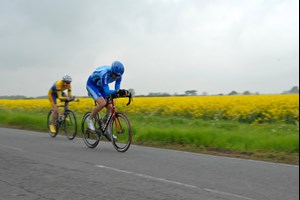
Can the winning combination of John Saysell and Brian Evans be beaten in the B10 2up time trials?
Welcome to the North Road Cycling Club. We are very proud to be one of the oldest cycling clubs in the country, founded in 1885 to 'promote fast and long distance cycling on the Great North and other Roads.' Nowadays we organise activities for cyclists of all abilities in Hertford and the surrounding area.
So whether you're new to cycling, or wanting to ride with a group, or looking to get into time trialling, cyclocross, or racing, come along and enjoy the ride!
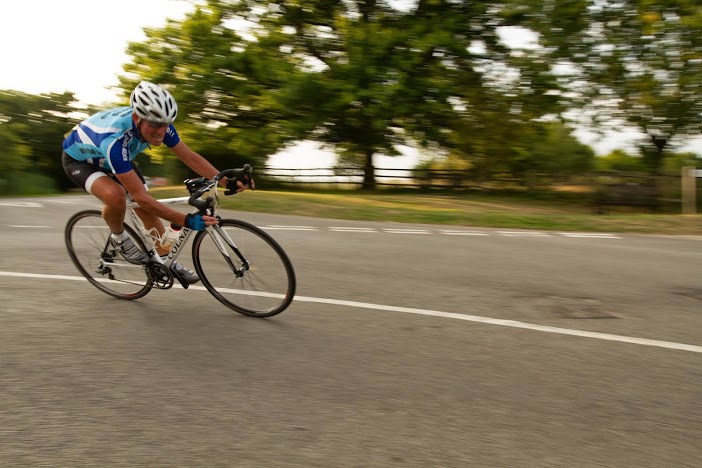
Our club kit is manufactured by Kalas and is available in their Elite and Pro ranges, guaranteed to make you go faster!
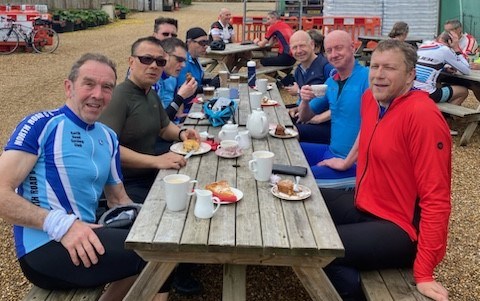
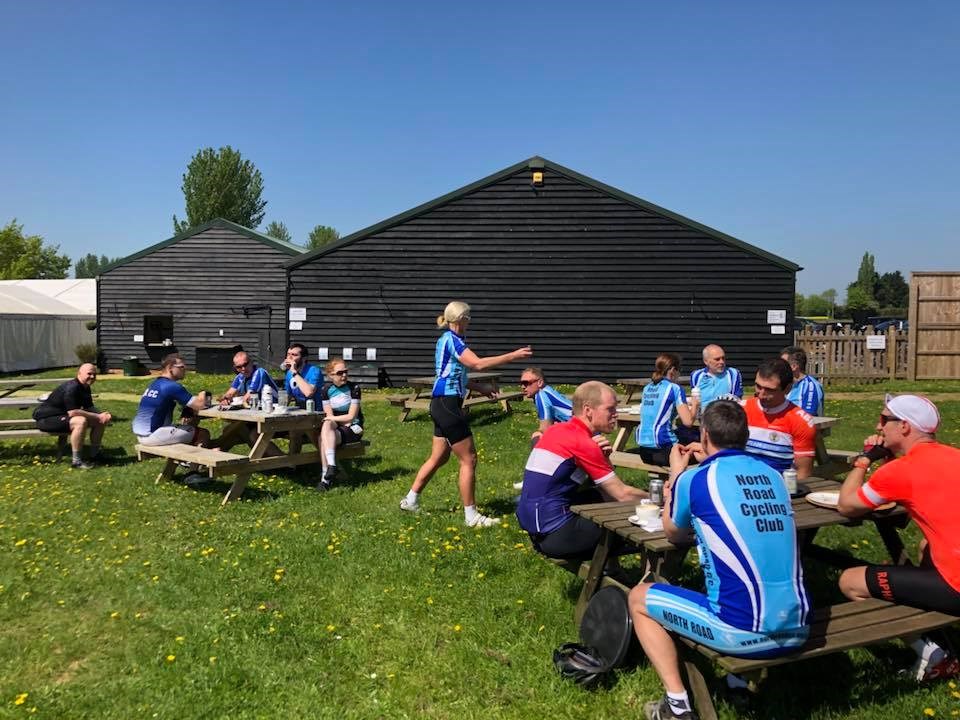
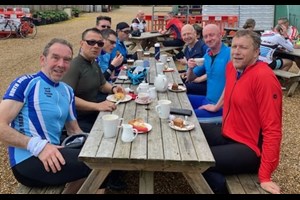
Join us on a Sunday social club run to a cycle-friendly cafe and back
We meet from 9:20am on Sunday mornings at Highway Cycles, Hartham Lane, Hertford SG14 1QN, where there is a coffee kiosk for a pre-ride caffeine boost. Rides get underway from 9.40am. Rides are typically between 25 to 40 miles with a stop for coffee and cake roughly half-way.
Groups will be kept small, let by an experienced rider, and no one will be left behind.
There's more info in our Club Runs page and the upcoming schedule is on the Calendar page.
If you've not ridden in a group before, start off at the back so that you can see how it is done and gain confidence, and read our guide to group riding.
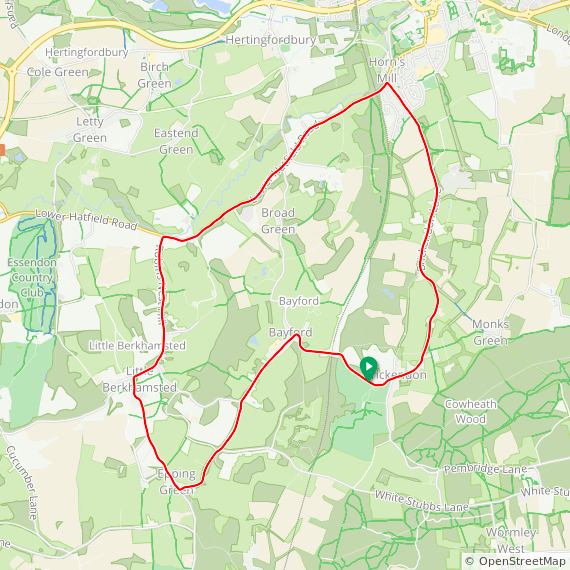
Info, maps, gps files and cuesheets for those new to the course
Sun 21 Apr 2024
Can the winning combination of John Saysell and Brian Evans be beaten in the B10 2up time trials?
Sun 14 Apr 2024
Are Brian Evans and John Saysell (Vet Time Trial Stars) at the same level of fitness as last year as they went faster, to recorded a time of 24:28, (only by one second) and retain their title again?
Sun 25 Feb 2024
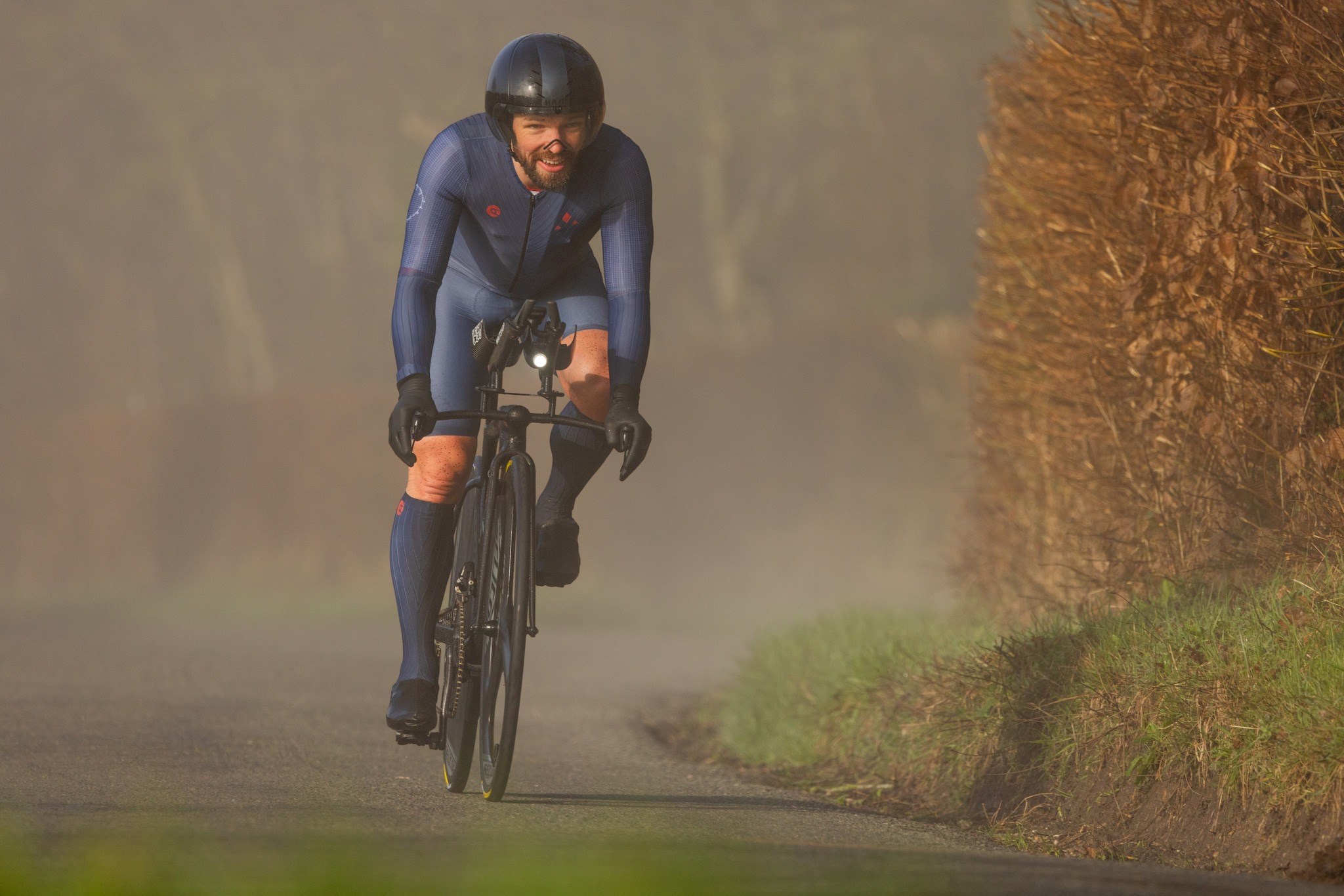
Sam Brown belts round to win the Thistle Trophy
Results within
Mon 08 Jan 2024
HardRiders, Memorial, Brickendon 10s, Two-up, Club Hardriders, Hill Climb, and the Christmas 10... all the facts and stats from 2023
Sat 13 May 2023
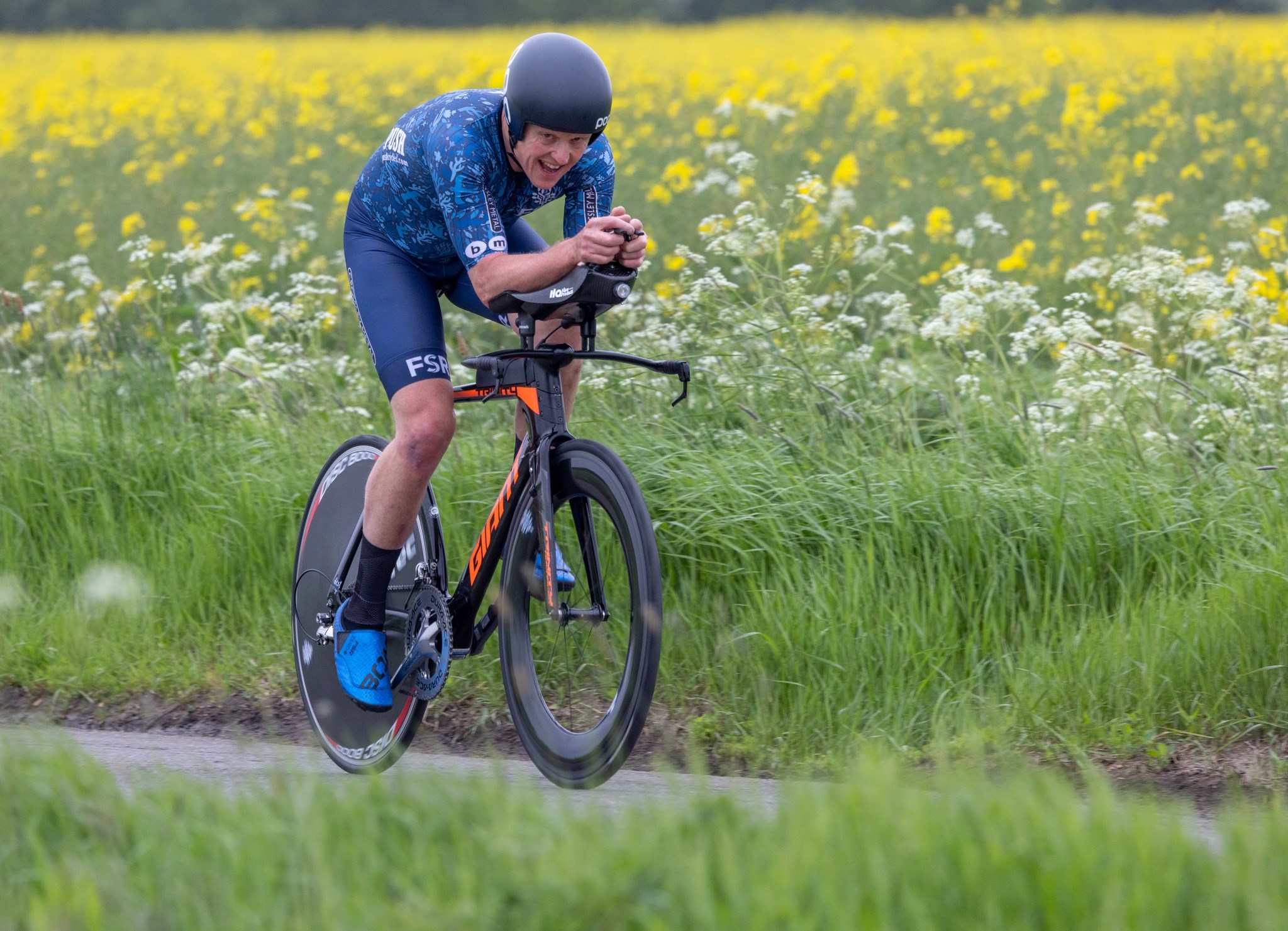
Fifteen North Road entrants, fast times and intense competition on a day of a cold wind and clouds.
Last year's winners did it again: Rob Walker (WardPerformanceUK) smashed his own course record and Lauren Creamer came in only just outside the hour to take the Ladies prize.
Bryan Holland, on a road bike, was fastest North Roader in 1:05:03 with John Saysell, John McDowell and Brian Evans all close behind, while the hotly tipped Chris Symonds suffered a puncture after one lap.
Photos: Ian Turner
Sun 28 Apr 2024
Grab your partners for the dos-y-dos. Two person teams dragging each other round the 9.09 mile course. Helmet and working front and rear lights compulsory.
The club run will meet as usual and stop at the two up before proceeding to a cafe.
Tue 07 May 2024
A series of 9.1 mile time trials open to all running on Tuesday evenings for 16 weeks until 20th August, with points accrued each week determining the winner of the coveted Ken Davis Silver Salver.
Riders off at 1 minute intervals, 7pm start - please arrive early (from 6.30) to allow time to sign on and warm up.
£3.50 entry for members, £5 for non-members. NRCC members will take priority in the unlikely event of there being more than 30 riders.
A helmet and working front and rear lights are compulsory. Please make sure you know the route if you are riding for the first time.
Sat 11 May 2024
Get your aero gear on and line up for a 25 mile time trial on course F14/25 near Guilden Morden, starting at 11am.
Sun 22 Sep 2024
Two laps of the Brickendon circuit (F7/10 x 2)
First rider off at 10:30am